

Bill Wear
34 posts

It’s possible to have more than one DHCP server on the same network and still have everything work right, with no conflicts and no dropped packets or IP requests. It’s really not that hard to pull together, either, but there are some things to know, and some things to consider before we investigate that situation.

We discovered the Diátaxis Framework earlier this year. It’s been on our roadmap to shift MAAS doc to this cool new way of explaining things. This cycle, we plan to make it happen. You’d think it would be obvious…. Diátaxis is one of those ideas. Once you see it, you can’t figure out why everybody

We are happy to announce the release of MAAS 3.0. This release provides some new features and bug fixes. Here’s the tl;dr summary: PCI and USB devices are now modelled in MAAS PCI and USB device tabs are now available in machine details IBM Z DPM partitions are supported for MAAS and virtual machines Proxmox
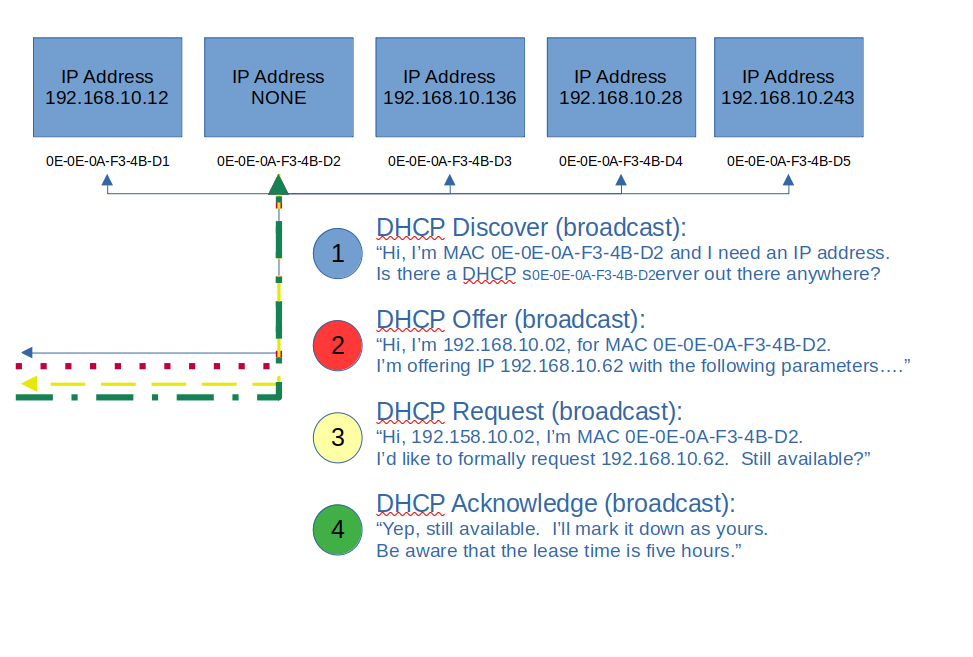
Let’s step back and take a very basic look at DHCP. In fact, let’s look at the analogy of assigning a street address to your house. Usually, this is done by the local 911 dispatch office, or some other central authority. They typically use either a survey map or a latitude, longitude pair to locate

Welcome back to our series on MAAS CLI operations. In our previous post, we learned how to acquire and deploy machines using the MAAS CLI. It was also evident that the JSON output from the allocate and deploy commands was very lengthy for even one machine — so you can imagine how large a list

Canonical is happy to announce that MAAS 2.9 is now available. We’ll get to the details of installing it in just a moment, but first, let’s walk through a brief overview of the new features and fixes. Later on in this post, we’ll cover some of these features in much more detail. New features &

Continuing in our series on CLI-only MAAS operation, it’s time to deploy machines. In the previous post, we reached the point of creating and commissioning machines, using only the MAAS CLI. Moving forward, there are two key steps: acquiring machines, and then deploying them. Let’s take a look Acquiring a machine using the CLI When

The whole point of MAAS configuration is to get machines deployed. If you read the previous post in this series, you know how to install MAAS and do basic configuration using only the MAAS Command-Line Interface (CLI). So far, so good, but now we need to enable networking and create some machines. Enabling DHCP The
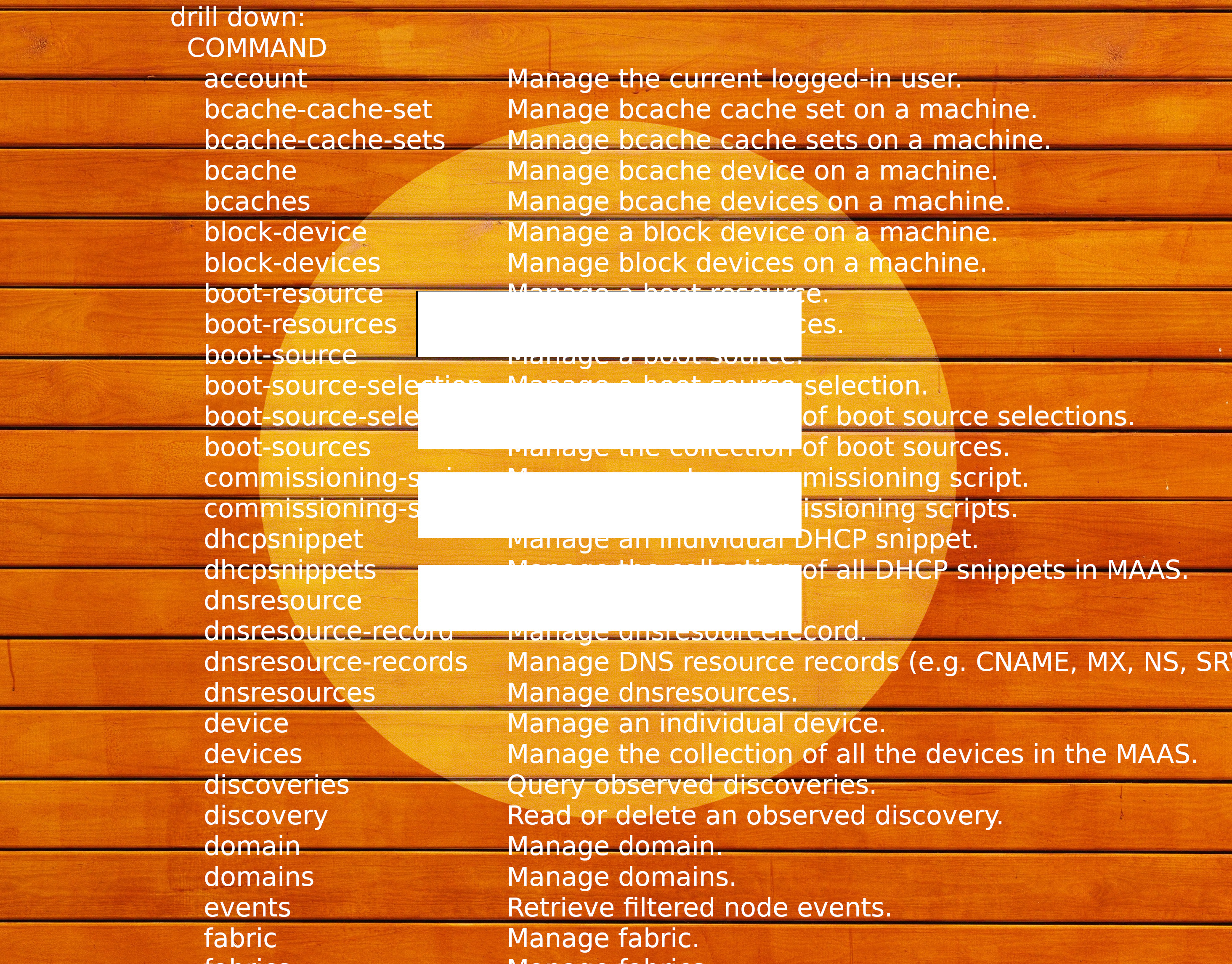
MAAS provides a state-of-the-art User Interface (UI), which is relatively simple to use, if the required inputs are known and understood. You may be less familiar with the MAAS Command Line Interface (CLI), which is actually more robust, providing additional functionality that’s not accessible via the web UI. In this series of blog posts,

MAAS is built to manage machines, including the operating systems on those machines. Enlistment and commissioning are features that make it easier to start managing a machine – as long as that machine has been configured to netboot. Enlistment enables users to simply connect a machine, configure the firmware properly, and power it on so

Here’s a VLOG about some changes we’re making to the MAAS documentation. It’s all about using questions at the top of articles to help direct attention. This idea grew out of our frustration over long pages with lots of complex information. We tried a top table of contents, but that looks weird and requires a
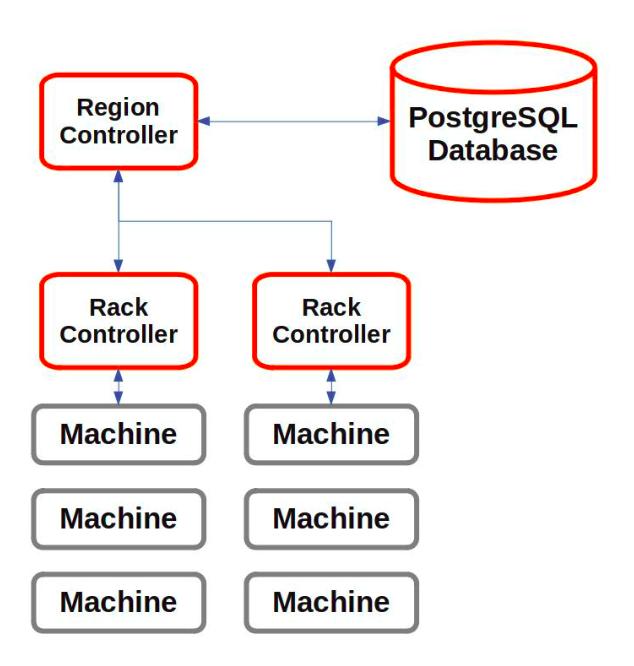
Much of the functionality of MAAS is contained in controllers. There are two basic types: a region controller and a rack controller. It’s useful to pull back and take a quick look at how these controllers work and interact. This will help you get a better picture of how MAAS operates. Region controller The region
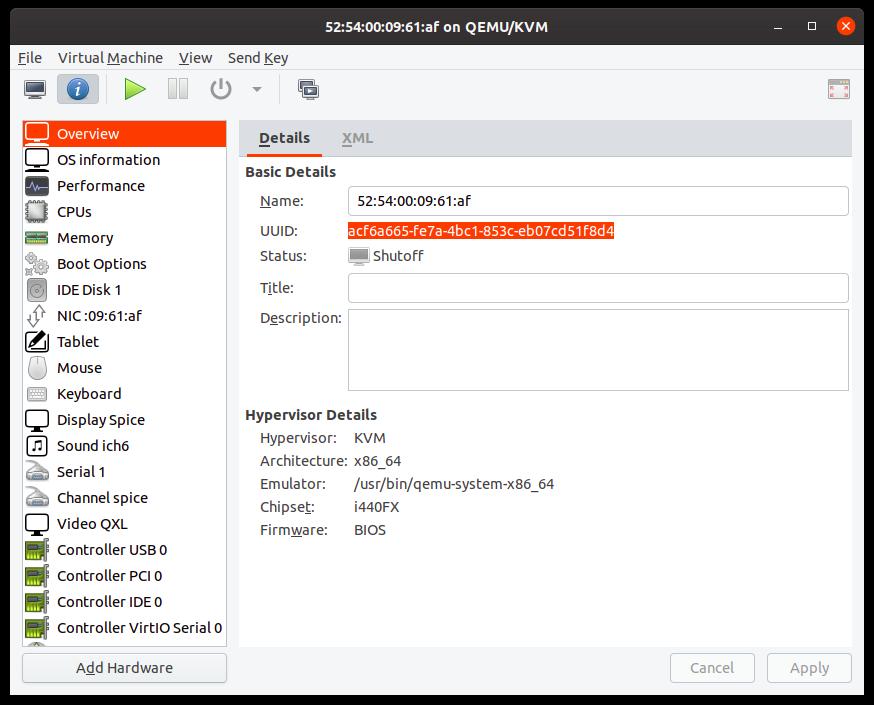
When designing or testing with MAAS, it’s often handy to start with virtual machines. If you’re just on your laptop, and you want to check out a new MAAS version, or mock up some datacentre idea you’ve been considering, KVMs are often very useful. You could create pods, of course, but it’s also very simple

We’re creating a cohesive example to give the MAAS documentation some built-in coherence. Have a look.
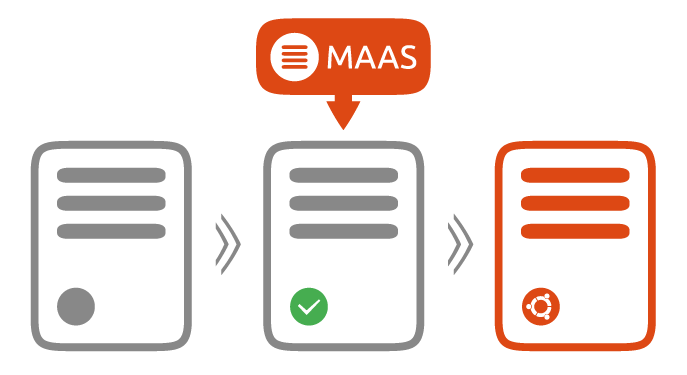
Following on from MAAS 2.6.2, we are happy to announce that MAAS 2.7 is now available. This release features some critical bug fixes, along with some exciting new features. CentOS 8 image support For some time, our users have been asking for the capability to deploy CentOS 8 images in MAAS. With the advent of

I want to start using real-world examples and neat networking configurations and other problem-oriented efforts as my baseline for writing. Heck, I’d even like to try using MAAS to control my little Raspberry Pi farm, although that’s probably not the recommended configuration, and I’m not sure how PXE-booting would work yet.